



Email triage
Reads, prioritizes, and drafts replies. Flags urgent items. Archives noise.
Run in the cloud or connect your own — with shared context and tools.
Memories, skills, vaults, and connectors follow your agents wherever they run.
Durable facts and preferences, shared across all your agents.
Reusable instructions any agent can use through a project.
Secrets scoped to the projects that need them.
Gmail, Notion, GitHub, and hundreds more apps with one-click OAuth.
Deploy an always-on Hermes or OpenClaw agent in minutes, without maintaining a server.
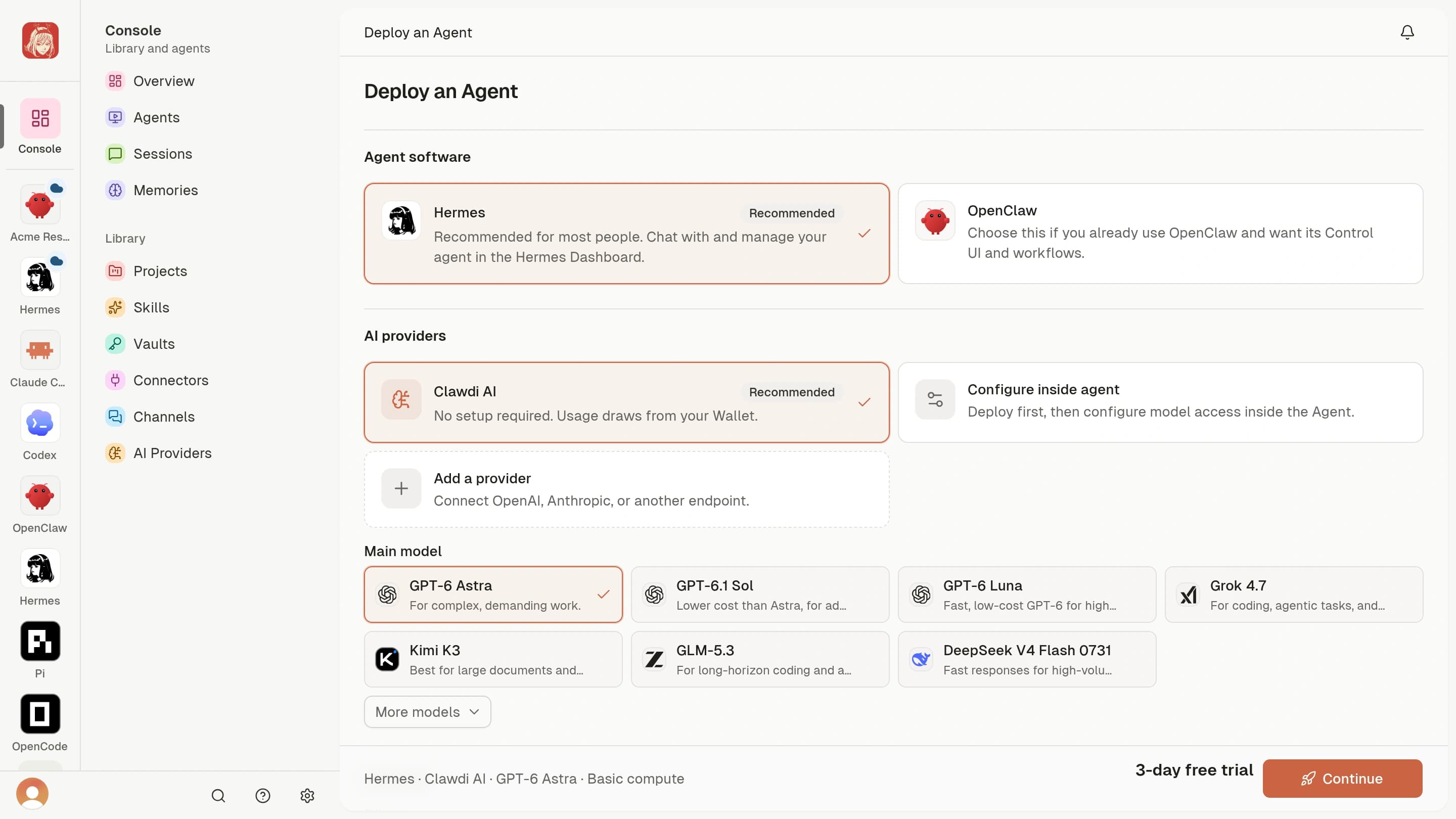
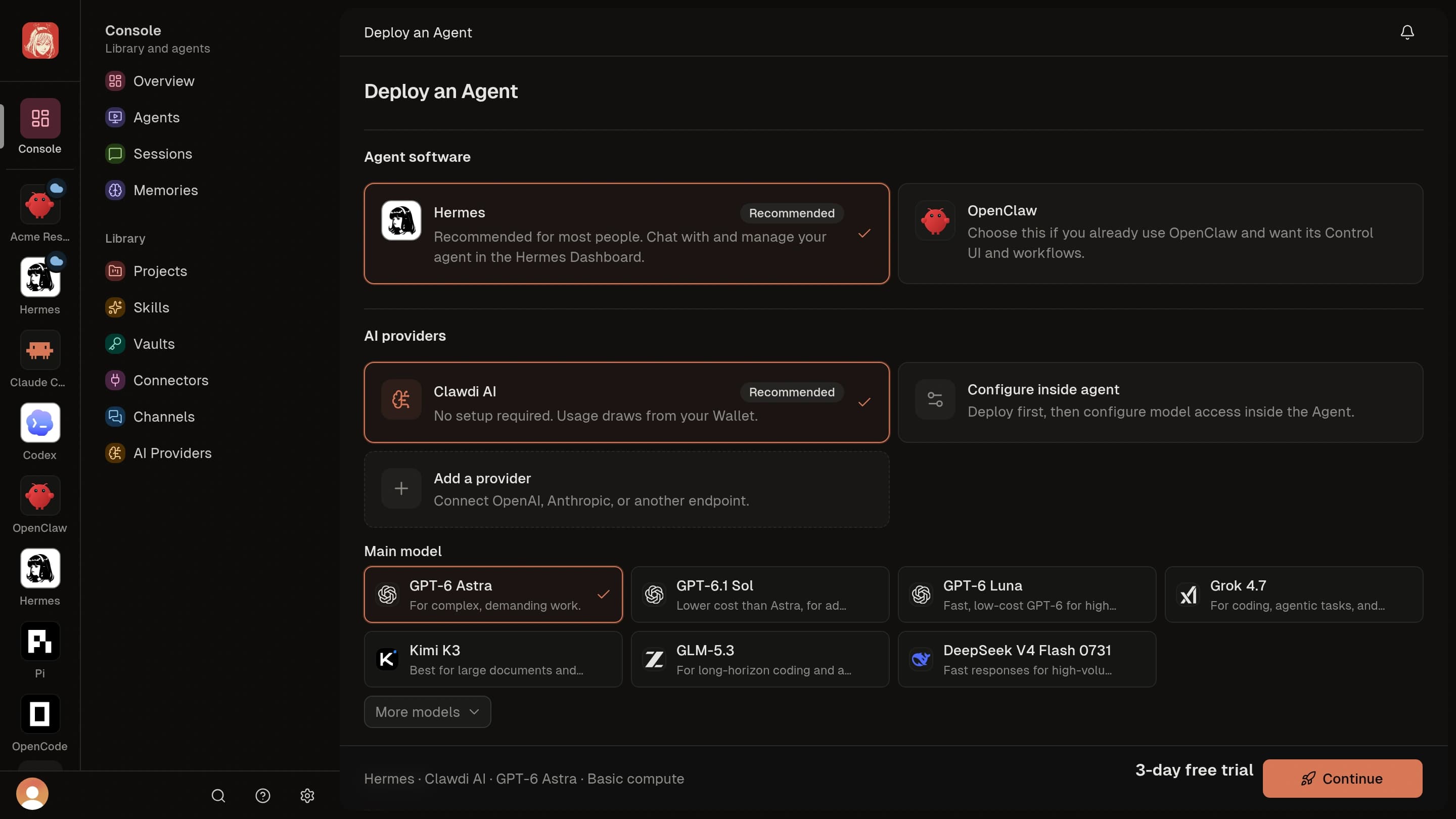
Link the agents already on your computer: Claude Code, Codex, Hermes, OpenClaw, and more.
Hand off everyday work. Cloud Agents keep going after you log off.
Reads, prioritizes, and drafts replies. Flags urgent items. Archives noise.
Schedules meetings, resolves conflicts, and sends prep notes before each call.
Summarizes documents, URLs, and PDFs. Compiles weekly team updates.
Syncs contacts, logs calls, updates deal stages, and drafts follow-ups.
Pulls metrics from spreadsheets and dashboards, then spots the trends.
Monitors competitors, tracks industry news, and delivers findings.
Gmail, Google Drive, Notion, GitHub, Linear, HubSpot, and more through connectors.
Claude Code and Codex share the same project skills and memories on every machine.
No new app to install. Link Telegram, Discord, or WhatsApp to any Cloud Agent.
Connect your own Telegram bot to a Cloud Agent.


Illustrative conversation
See how your agent works, shape it to fit, and decide where your data lives.
  Hermes & OpenClawOpen-source agents on Clawdi Hermes & OpenClawOpen-source agents on Clawdi | Closed agentsOpenAI dots, Gemini Spark, Meta Muse, Grok Bot | |
|---|---|---|
| Control | ||
| Source code | Open source | Closed |
| Change how the agent works | ||
| AI models | Clawdi AI or your own provider key | Chosen by the vendor |
| Privacy | ||
| Where your data lives | Your own Cloud Agent on Clawdi, or your own servers | The vendor's cloud |
| Self-host on your own servers | ||
| See how the agent handles data | Read the runtime's source code | Rely on the vendor's policy |
Closed agents: OpenAI dots, Gemini Spark, Meta Muse, Grok Bot. Based on public information as of October 2026. Named products belong to their respective companies. See detailed comparisons
Two open-source runtimes. Clawdi runs either one for you as a Cloud Agent.
Recommended for most people
For existing OpenClaw users
Choose the Basic or Performance plan, then use Clawdi AI pay as you go or bring your own provider key.
Pay as you go
Clawdi is one home for your Cloud Agents and Connected Agents, with shared context and tools. Cloud Agents run Hermes or OpenClaw on Clawdi; Connected Agents run on your own computer.
They can triage email, manage your calendar, draft reports, summarize documents, and take actions in the apps you connect, all from a chat message.
Each Cloud Agent runs separately with its own private workspace. Provider credentials are delivered to the selected runtime through Clawdi's managed configuration flow, and we do not sell your personal information.
Yes. The clawdi CLI, FastAPI backend, and dashboard are MIT-licensed on GitHub, and you can self-host the full stack with PostgreSQL. Hermes and OpenClaw are open source too.
Install the free, MIT-licensed clawdi CLI to connect Claude Code, Codex, Hermes, OpenClaw, Pi, or OpenCode. Supported features vary by agent.
Each Cloud Agent is owned by one account and runs one Hermes or OpenClaw runtime. Contact [email protected] to discuss team or organization requirements.
Go to Clawdi, choose the Basic or Performance plan, select Hermes or OpenClaw, and deploy. Or install the CLI, sign in with clawdi auth login, and run clawdi setup to connect an agent you already use.
Deploy Hermes or OpenClaw on Clawdi, or connect the agents you already run.